
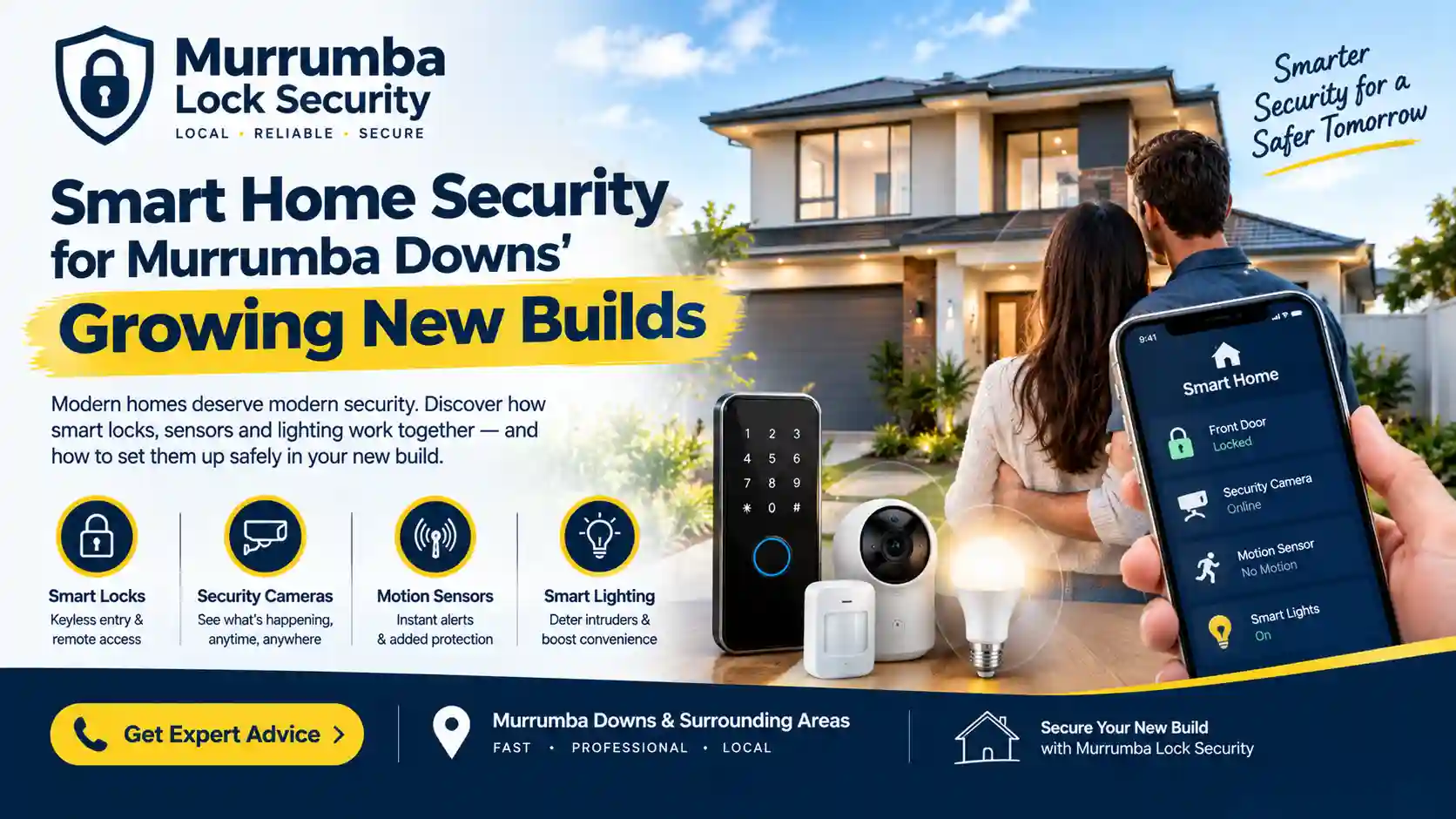
New homes and smart technology go together naturally. When you’re starting with a fresh build, you have a rare chance to plan how your home will work, from the way you unlock the front door to how the lights come on when you pull into the driveway. For many Murrumba Downs families, smart home security is no longer a luxury. It’s a practical way to make daily life simpler while keeping the home better protected.
But the world of smart security can feel overwhelming. Locks, cameras, sensors, hubs and apps all promise to make life easier, and it’s hard to know what’s genuinely useful. This guide cuts through the noise. It explains what smart home security really involves, why new builds are well suited to it, which pieces matter most, and how to set it up so that it’s reliable, secure and easy to live with.
What Does “Smart Home Security” Actually Mean?
Smart home security is a collection of connected devices that help you protect your home and manage access. Instead of relying only on a metal key and a mechanical lock, you add electronic components that you can control through a keypad, a card or your phone.
Typical elements include smart door locks, video doorbells, door and window sensors, outdoor lighting that responds to movement, and controllers for garage doors. These can work independently, or be linked through an app so you can see and manage everything in one place.
The key idea is control and visibility. You decide who can come in, when they can enter and what happens around your home, and you can check in even when you’re out.
Why New Builds Are a Great Fit for Smart Security
A new house offers several advantages over retrofitting an older one.
- You’re planning from scratch. You can decide early where you want keyless entry, which doors matter most and where sensors or lights should go.
- Modern doors and frames. Many new builds have standard cut-outs and door sizes that suit a wide range of smart locks, which makes installation simpler.
- Fresh wiring and networking. It’s often easier to plan power and network connections in a new home than to work around existing walls and ceilings.
- No old habits to undo. You’re already changing your routines, so it’s a good time to build in a new way of managing access.
Busy households. Growing families, shift workers and people who travel benefit from flexible, keyless access.
Even if your home is already built, you can still add most smart security features. Starting early simply makes it easier.
The Building Blocks of a Smart Security Setup
Smart Door Locks
The smart lock is the heart of most setups. Depending on the model, you can open the door with a code, a card, a fingerprint or a phone. You can create temporary codes for visitors, remove them when they’re no longer needed and, with some models, see a record of who has entered. It also eliminates the problem of lost or forgotten keys.
Video Doorbells and Cameras
A video doorbell lets you see who’s at the door, even when you’re not home. Cameras around the property add another layer of visibility. These devices work best when they’re positioned thoughtfully and kept within the bounds of your own property and privacy responsibilities.
Door and Window Sensors
Small sensors detect when a door or window is opened and can send an alert to your phone. They’re especially useful for secondary entry points, such as the laundry, side doors and ground-floor windows.
Smart Lighting
Lighting that responds to movement or follows a schedule makes your home look occupied and discourages unwanted visitors. It also makes arriving home after dark much more comfortable.
Garage and Gate Control
Many families use their garage as the main entrance. Controllers that let you open, close and monitor the garage door from your phone add convenience and a useful layer of awareness.
A Hub or App to Tie It Together
Some systems use a central hub, while others rely on a single app. The aim is to keep things simple. Too many separate apps can quickly become frustrating, so it’s worth choosing devices that work well together.
Choosing the Right Smart Lock for a New Build
Because the front door sees the most use, the lock you choose has a big impact on how your smart setup feels day to day. Here are the questions worth asking.
- How will you open it? Keypad, card, fingerprint, phone or a combination. Having more than one method adds flexibility.
- Does it have a mechanical backup? A physical key option is valuable if the batteries fail or the electronics have a problem.
- How does it power up? Most use batteries, so check the expected battery life and how you’ll be warned when it runs low.
- Is it designed for outdoor conditions? Queensland’s heat, humidity and summer storms are tough on hardware, so look for models built to cope with them, especially if your door is exposed to weather.
- Will it fit your door? Door thickness, existing cut-outs and the type of existing lock all affect compatibility.
- Who supports it? Choose a reputable brand with accessible support and a good track record.
A well-chosen lock, correctly installed, will serve you for years. A cheap or poorly fitted one can be a constant source of frustration.
Smart Doesn’t Mean Secure by Default
It’s worth being clear on one thing. Adding technology doesn’t automatically make a home safer. Smart devices need to be set up and maintained properly, otherwise they can create new weak points. A few habits make a real difference.
- Use strong, unique passwords. Avoid reusing the same password across devices and accounts.
- Turn on two-factor authentication. Where an app offers it, use it.
- Keep software updated. Updates often include security fixes.
- Secure your Wi-Fi. Use a strong network password and consider a separate network for smart devices and guests.
- Choose codes carefully. Avoid birthdays, repeated digits or simple sequences, and change codes when circumstances change.
- Review who has access. Regularly remove old codes, cards and app users who no longer need entry.
Plan for Power Cuts and Connection Problems
Storms and outages happen, and your home needs to stay secure and accessible when they do. Think through what happens if the power goes out or the internet drops.
- Make sure your smart lock still works without a network connection, and that it keeps its codes.
- Keep a mechanical key as a backup, stored somewhere safe.
- Check that battery-powered devices will keep working through short outages.
- Know how to enter your home manually if the electronics fail.
A smart system should add convenience, not create a situation where you can’t get in or out.
Keep Safety at the Centre
Smart security should never get in the way of a safe exit. Doors that lock automatically must still be easy to open from the inside, and everyone in the household should know how to leave quickly in an emergency. If you have children or elderly relatives, test the setup with them so they’re confident using it.
Start Simple and Build Over Time
You don’t need to install everything at once. A sensible approach is to begin with the essentials and add more as your needs and budget grow.
- Stage one: A quality smart lock on the front door, plus good outdoor lighting.
- Stage two: A video doorbell and sensors on key entry points.
- Stage three: Smart locks or keypads on back and garage entry doors, and garage control.
- Stage four: Extra cameras, automation and integration with other smart devices.
Starting small means you learn what you actually use, and avoid paying for features you’ll never touch.
Why Professional Installation Matters
Smart locks and security devices only perform as well as they’re installed. A professional makes sure the lock is aligned correctly with the frame, the bolt extends fully, the electronics are configured properly and the door still operates smoothly. They’ll also set up your codes and cards, check the mechanical backup and show you how everything works.
In a new build, this also helps protect the finish of your doors and frames, which you’ve only just started to enjoy.
Smart Security Built Around How You Live
The best smart home security isn’t the one with the most gadgets. It’s the one that fits your household, your routines and your budget. Start with the doors you use most, choose reliable hardware with a mechanical backup, take care with passwords and codes, and plan for the day the power goes out. Done well, a smart setup makes your Murrumba Downs home easier to live in and harder to get into for anyone who doesn’t belong.